ZentBuy spreadsheet
4,900+ hand-picked finds that open straight on ZentBuy. Search them, filter by price and check the photos before you order.
Opened most on ZentBuy
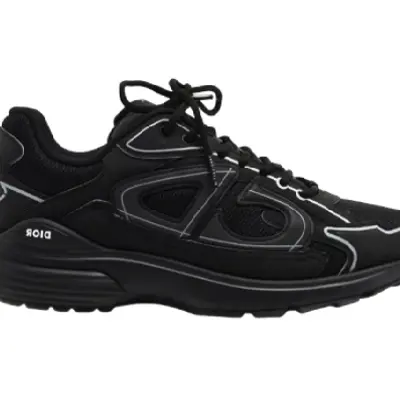
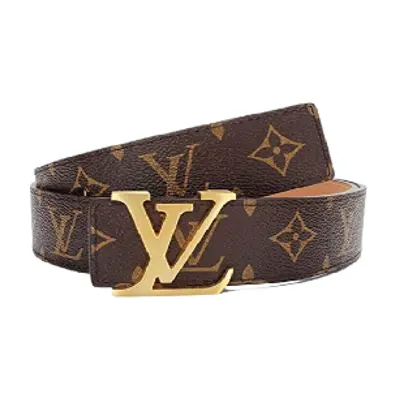
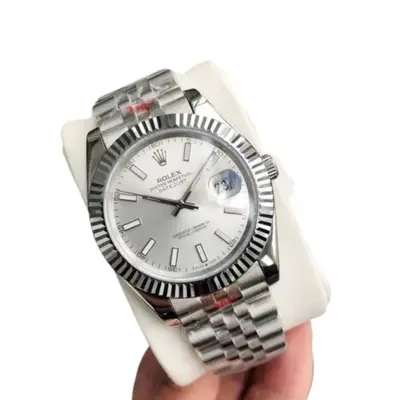

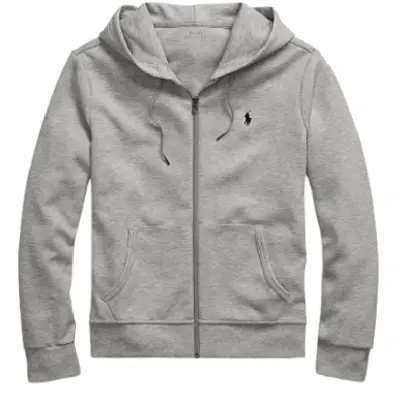
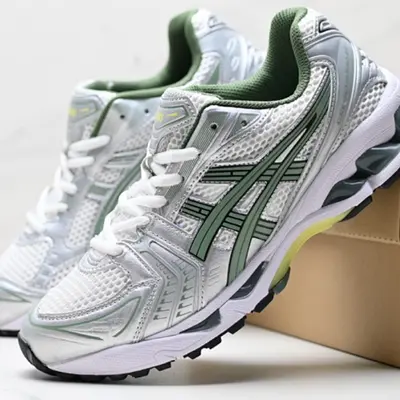
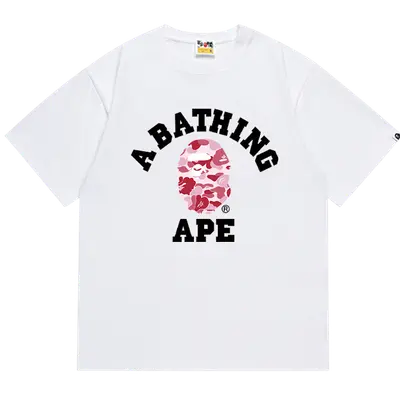
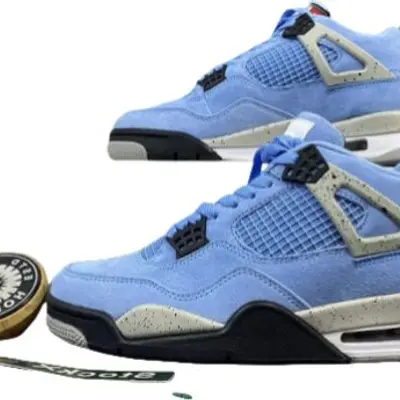
T-Shirts on ZentBuy
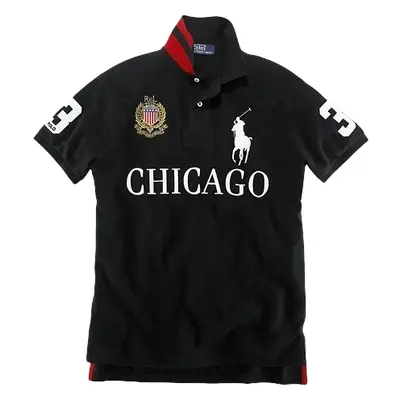
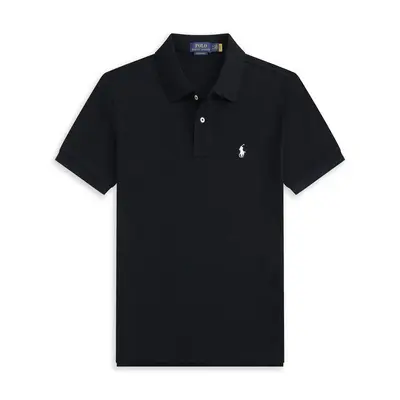
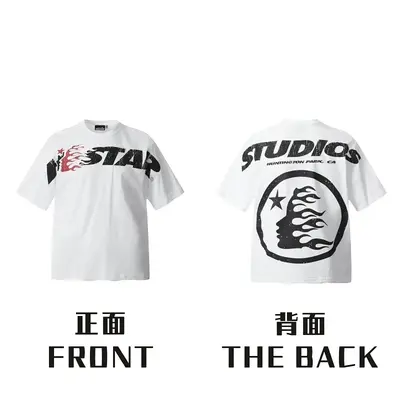
Jerseys on ZentBuy
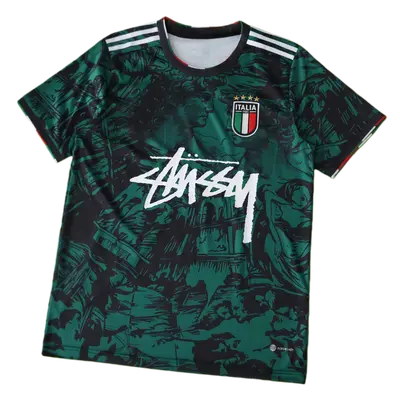
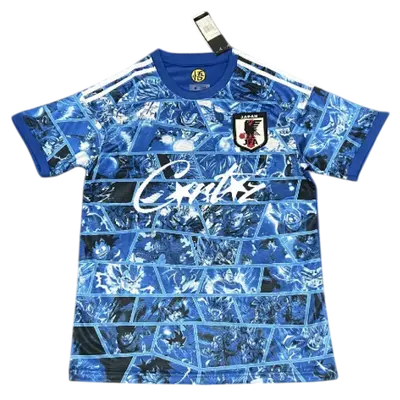
Hoodies & Sweaters on ZentBuy
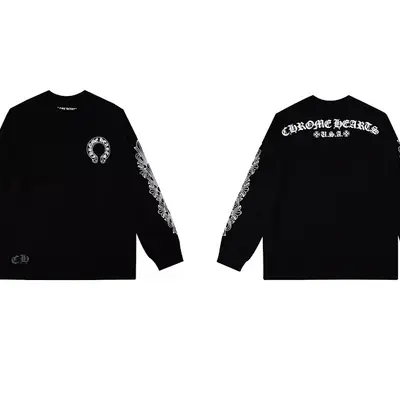
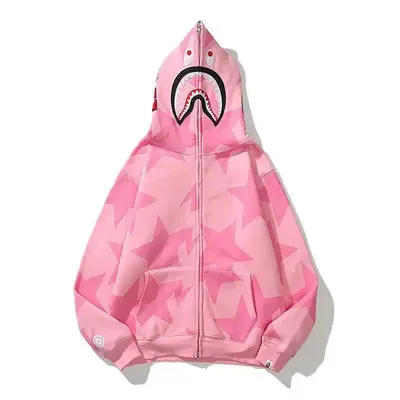
Shoes on ZentBuy
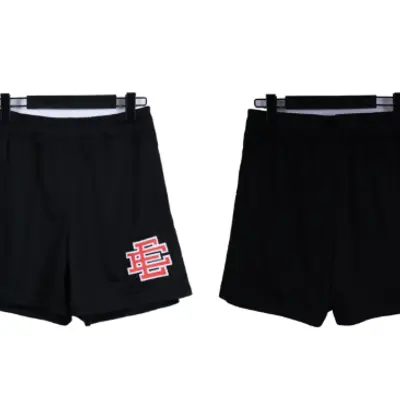
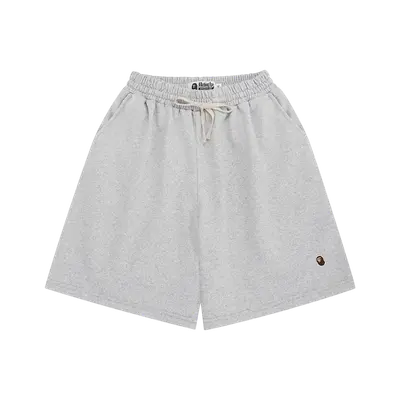
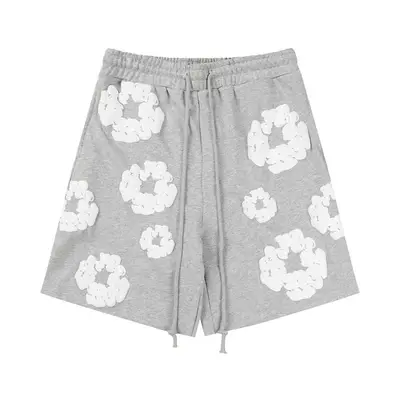
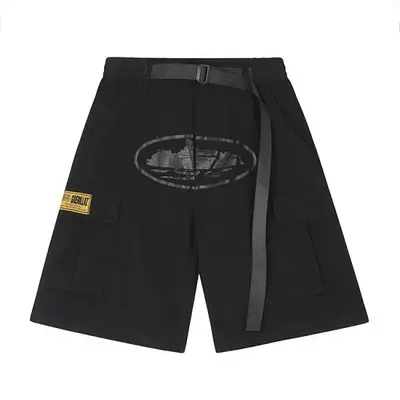
Shorts on ZentBuy
Jackets on ZentBuy
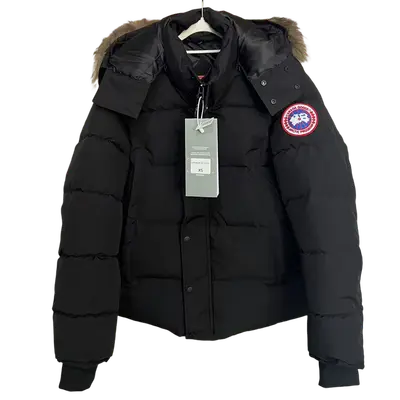
Womens on ZentBuy
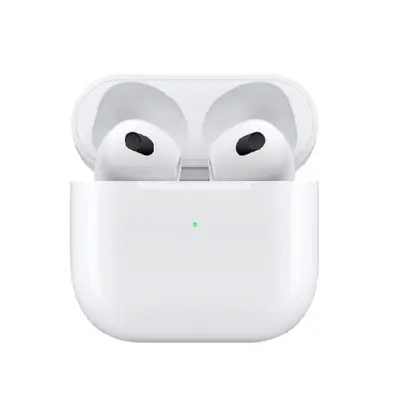
Accessories on ZentBuy
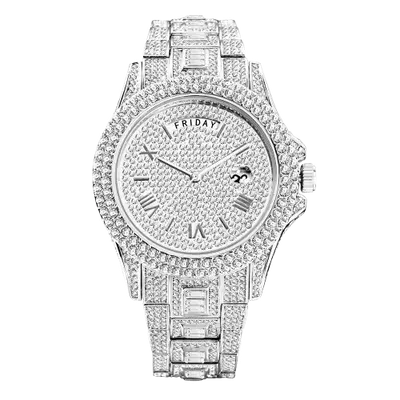
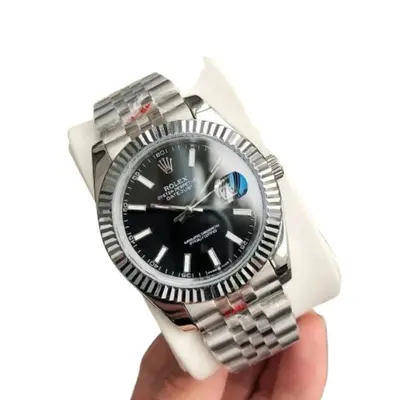
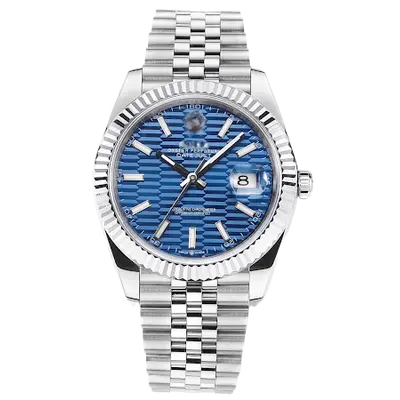
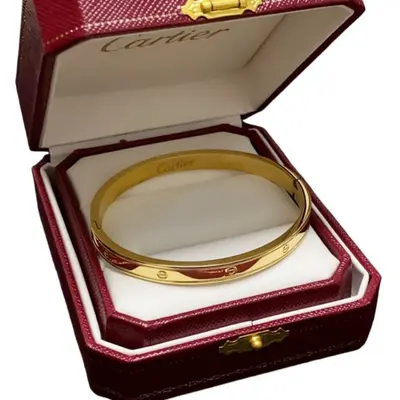
Watches & Jewelry on ZentBuy
Bags on ZentBuy
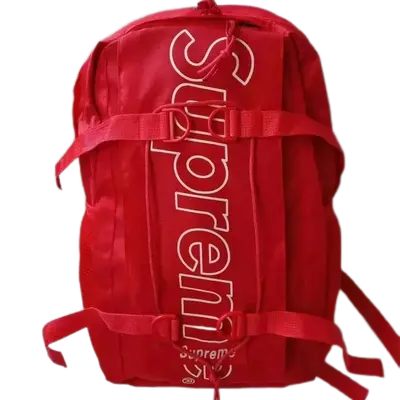
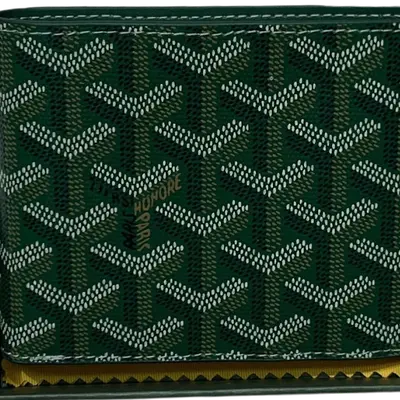
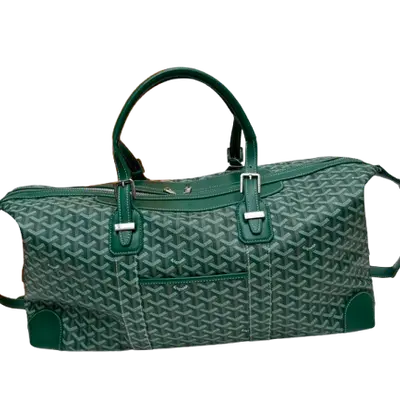
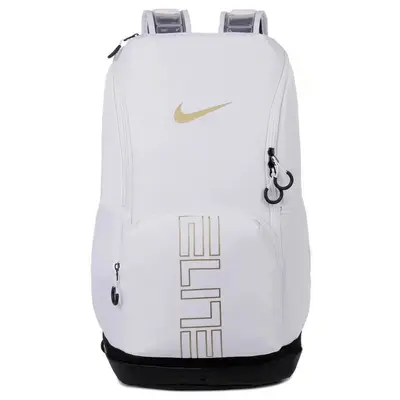
Ordering on ZentBuy
- Find an item by category or with the search at the top.
- Open it to see its colours, sizes and any QC photos.
- Tap the buy button. ZentBuy opens with the listing loaded, so you only choose your options.
- Pay for the item. When it reaches the ZentBuy warehouse, look through the QC photos.
- Ship everything together and follow it with the ZentBuy tracker.
What a ZentBuy link looks like
zentbuy.com/product/2/7639070532
The first number is the marketplace (0 for 1688, 1 for Taobao, 2 for Weidian) and the second is the item. Have a link from a different agent? The link converter turns it into a ZentBuy one.
ZentBuy spreadsheet FAQ
What is the ZentBuy spreadsheet?
+
A list of 4,900+ finds where every buy button opens the item on ZentBuy. You can search it, filter it by category and price, and read prices in your own currency.
How do I order from the ZentBuy spreadsheet?
+
Open an item, tap the buy button and ZentBuy loads the listing. Choose your colour and size there, add it to your cart and pay. ZentBuy orders it to its warehouse and sends you QC photos.
Can I see QC photos before I order on ZentBuy?
+
Often. Paste the item's ZentBuy link into our QC finder, or open the item here, to see photos from earlier orders of the same listing when there are any.
Is OnlyFinds part of ZentBuy?
+
No. OnlyFinds is independent. Some links are affiliate links that may earn us a commission at no extra cost to you.
Other agents


More for ZentBuy: ZentBuy QC photos · ZentBuy package tracker